The cloud dashboard for Eldora Royal Events & Pub: live sales from every terminal, products, taxes, staff and reports, and the sync service the desktop POS connects to.
One dashboard shows every sale from the pub, pool and guesthouse as it happens, and manages the tills behind it.
13dashboard pages in three groups: operations, catalogue, administration
~60 sbetween each terminal's background syncs
1role allowed in: super admins only
Where they started
A venue with a bar, a pool and a guesthouse takes money in several places at once, and the owner needed to see it without being there:
Takings were invisible until the end of the day, and only after someone compiled a report by hand.
Several terminals meant several versions of the truth. Products, prices and staff had to be the same on every till.
Staff access needed real control. Who can sell, refund or see reports had to be decided by the owner, not by whoever held a till.
Tax filing took paperwork. The business needed Ghana-ready tax reports and an input tax register.
The tills could not depend on the internet, so the cloud side had to be an add-on that never stops a sale.
What we did
We built the dashboard as the shared cloud database and its control room, with the tills staying local-first:
Live sales. Terminals push changes about every minute, and the dashboard shows new receipts, voids and notifications as they arrive.
The server is the referee. Row-level security and database triggers enforce the rules that must always hold: ledgers are append-only, a recorded sale's money cannot change, rooms cannot be oversold, and the founder cannot be locked out.
Staff and terminals managed centrally. Roles, page access and passwords are set here and flow down to the tills; each terminal is paired once and can be unpaired or reconnected.
Reports and tax. Executive, compliance and stock reports with charts, PDF exports, a GRA tax PDF, cash-count review and an input tax register with receipt photos.
Install and update feed. A public install page and update feed for the POS app, so every terminal can update itself.
An offline demo mode with sample data lets the whole dashboard be clicked through without a database.
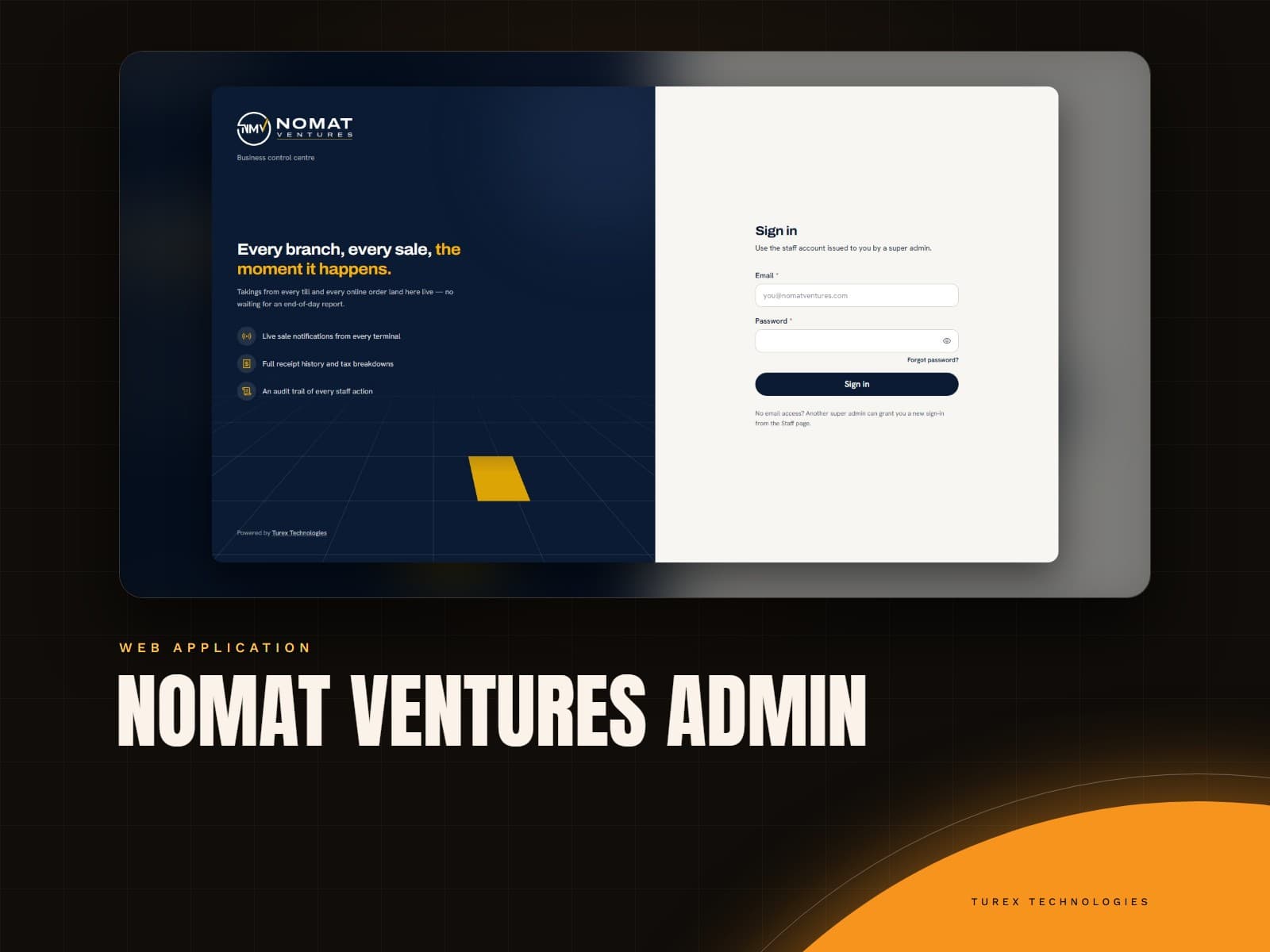
The dashboard is for super admins only. Each signs in with a staff account that another super admin issued, and the left side says plainly what the dashboard is for: every sale, the moment it happens.
A forgotten password is reset online by email. The founder's account is protected everywhere, so the owner can never be locked out.
1Every sale, the moment it happensLive notifications, full receipt history and tax breakdowns, and an audit trail of every staff action.
2Staff emailAccounts are issued by a super admin, never self-registered.
3Show passwordReveals the password while typing.
4Forgot password?Resets online by an emailed link.
5Sign inOnly super admins are let through.
The overview
The overview opens on today's takings across every terminal, with the number of receipts, the average sale, the size of the catalogue and the staff who can sign in.
Below, the latest sales update as terminals record them, newest first, with who served and how it was paid. This screen uses sample data.
2Live linkShows whether the dashboard is receiving updates from the terminals.
3NotificationsA count of new sales and alerts.
4
Sales
The Sales page lists every receipt recorded across the terminals, newest first. Voided sales stay on the list, with the reason, but never count toward takings.
Each row shows the customer, who served them, how they paid (cash, mobile money, card or credit) and the total. Opening a row shows the receipt's lines and tax.
1Every receiptVoided sales stay listed but never count toward takings.
2Served byWhich member of staff made the sale.
3Payment methodCash, mobile money, card or store credit.
4
Products
Products are the catalogue every terminal sells from. The four cards at the top count the range, low stock, out-of-stock items and the inventory's value at landed cost, and the stock cards are clickable filters.
Goods and services share one list: hall hire and rooms are services with no stock, and each priced item shows its margin.
1Catalogue sizeGoods and services together.
2Out of stockA filter for what has run out.
3SearchBy name, SKU, barcode, category or brand.
4
Reports and tax
Reports turn the terminals' sales into gross revenue, profit, expenses and net income for any period, with charts and downloads. Three tabs cover the executive overview, compliance and tax, and operations and stock.
A GRA tax PDF and a full report download put the paperwork one click away, and voided sales are excluded from every figure.
1PeriodThis month, last month, 30 days, this year, or any dates.
2Voids excludedSays how many voided sales were left out.
3Three viewsExecutive overview, compliance and tax, operations and stock.
4
POS terminals
Each till is paired once with the dashboard. This page lists the terminals, whether each is active, when it was paired and when it last checked in.
If a terminal's computer is replaced, Reconnect puts the new installation back on the same terminal; Unpair removes a terminal for good. The desktop side of this link is the Eldora Royal POS.
1Pair a new terminalStarts pairing for another till.
2Install the appOpens the install page for the POS app.
3StatusActive terminals can sync and sign staff in.
4
What changed
The owner can run the venue from any screen:
Takings from the pub, pool and guesthouse are visible as they happen, excluding voided sales.
Staff, roles, products and prices are managed in one place and reach every terminal.
Cash counts, taxes and reports are ready for review and filing without hand-compiling.
Every action is recorded in an audit trail, and the founder account is protected against lock-out.